Notes into memory AI cards + FSRS review only what fades
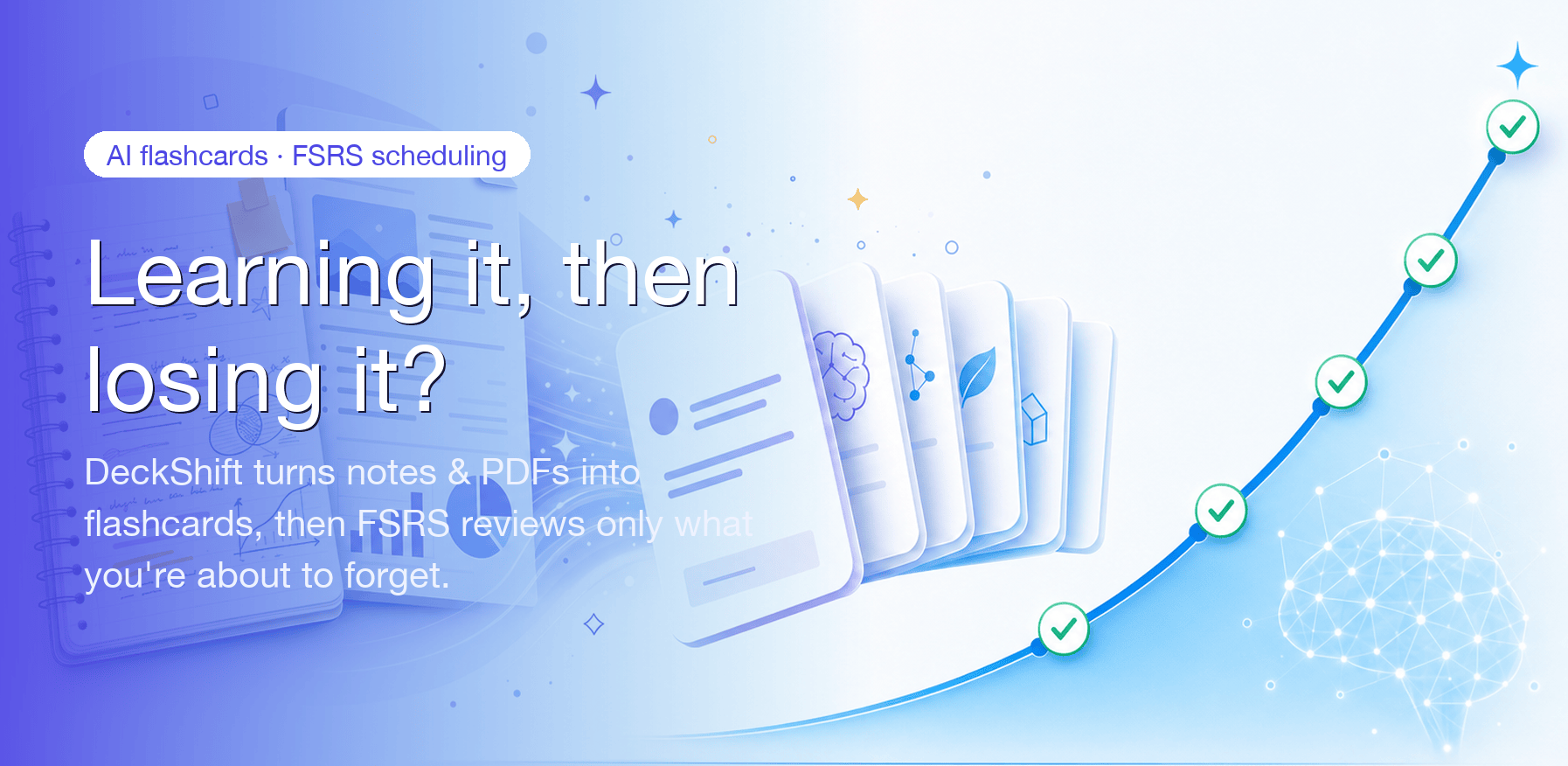
Paste notes or import a text/Markdown file and AI drafts editable Q&A flashcards in seconds. A real FSRS-6 algorithm picks the best day to review each card, so today you only see what's due, then your ratings schedule the next review. Plus, watch your own forgetting curve.
iOS 17+ · English & Chinese · No tracking SDKs
What's live today
Two core wins plus five supporting capabilities — the full path from material to memory
AI card generation
Paste a note or import a local text/Markdown file and AI extracts deduplicated, difficulty-tagged, editable Q&A cards. Files are read on your device — the file itself is never uploaded.
Real FSRS-6 scheduling
A genuine FSRS-6 algorithm computes the best review day per card. Each day you review only what's due, sorted by what you'll forget soonest; ratings update memory state instantly.
Personal forgetting curve
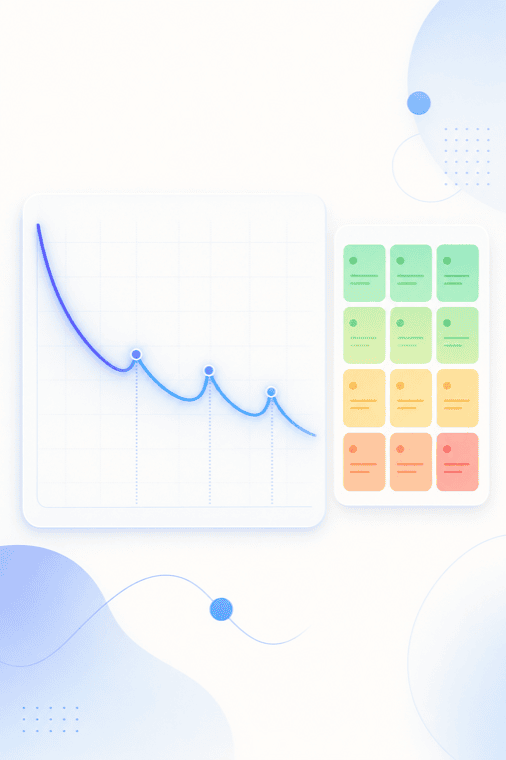
See each card's retrievability decay curve and a deck-level retention heatmap — your own memory asset. FSRS uses your ratings to calculate the next review date.
Decks & card management
Create decks, build cards by hand, tag them, file them into folders, edit rich text — the organizing basics are free forever.
Import funnel
Import CSV (front,back[,tags]) and bring your existing decks into DeckShift for review.
Due reviews + study stats
See due cards sorted by retrievability; a dashboard of streaks, review counts and per-deck mastery makes consistency tangible.
Turn material into cards you can review right away
Paste notes or import a local text/Markdown file and AI extracts deduplicated, difficulty-tagged, editable Q&A flashcards in seconds. Files are read on your device — the file is never uploaded and the text isn't retained after generation. You just confirm which cards to keep.

Three steps, from material to memory
Chain the three things you do most into one smooth review loop
Import or generate
Paste notes, import a text/Markdown file for AI to turn into cards, or import your CSV decks.
Review what's due daily
Open today's queue and rate each card Again / Hard / Good / Easy — FSRS schedules the next review.
Watch your forgetting curve
Stats and the forgetting curve show your mastery and the cards fading fastest; FSRS uses your ratings to update memory state and schedule the next review.
See your own forgetting curve
A real FSRS-6 algorithm sorts due cards by retrievability; FSRS uses your ratings to calculate memory state and the next review date. Each card's retrievability curve and the deck retention heatmap are a private memory asset you can't get anywhere else.
On the way
Capabilities we'll roll out once the core memory flywheel is solid. Pro users get early access.
Image occlusion cards
Hide parts of an image to memorize them — high demand for anatomy, medicine and geography.
Cross-device handoff + widget
Pick up reviewing seamlessly across devices, with a home-screen widget for what's due.
Public deck marketplace
Share and subscribe to great decks from others — we'll validate the core flywheel before opening UGC.
Want early access? Use any live feature on Pro and you're auto-enrolled in the early-access list.
Simple, honest pricing
Subscriptions are processed by the App Store. Cancel anytime. No free trial — current price shown in the App Store.
Free
The full FSRS review experience — start here
- 5 AI generations per month
- Real FSRS-6 scheduling + unlimited manual review
- Unlimited manual cards, decks & imports
- Study stats + personal forgetting curve
- English & Chinese UI
Pro Monthly
Unlimited AI cards, billed month to month
- Unlimited AI card generation
- Full forgetting-curve & retention analytics
- Unlimited decks & imports
- Priority email support
- No free trial, cancel anytime
Price shown on the App Store in-app purchase page.
View in the App StorePro Yearly
Best value for long-term learners
- Unlimited AI card generation
- Full forgetting-curve & retention analytics
- Unlimited decks & imports
- Priority email support
- Billed yearly, cheaper than monthly
Frequently asked
1. How does the free AI allowance work?
Free accounts include 5 AI generations per calendar month. FSRS review, manual card building, imports, stats and the forgetting curve don't use this allowance and are always free. The allowance resets at the start of each month; Pro removes the AI generation limit.
2. How can I use text from a PDF for AI cards?
Direct PDF import is not supported. Copy the text you need and paste it. Only the text you choose to convert is sent through our secure server to AI providers to draft cards; the original file never leaves your device and the text is not retained by us after your cards are generated.
3. What happens if I lose connection or a rating fails to save?
In an already open review session, if a rating fails to save and there are more cards to review, a message is shown and you can continue to the next card. Continuing does not mean the rating was saved successfully.